Salesforce, Klue, and the OAuth Token Nobody Was Watching
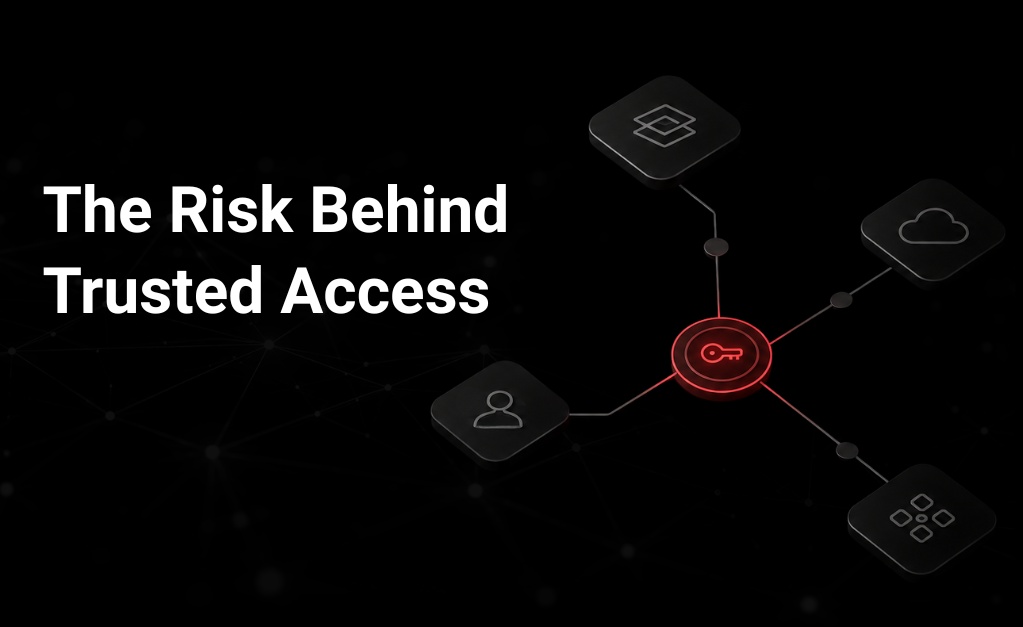
Summary: A vendor called Klue lost control of a GitHub token. That single lapse ended up exposing Salesforce data of its customers. Here is what happened, and what it means for how we manage identity.
Every company connects apps to its core systems — a CRM, a ticketing tool, a code repository, an analytics tool. Each connection carries a set of permissions. Most companies cannot answer a simple question: does anyone actually know what each connected app is allowed to do?
Employee accounts get reviewed and offboarded regularly. The apps connected on their behalf usually get none of that attention. A recent incident involving Klue, a sales-enablement vendor, and its customers on Salesforce shows why this gap matters.
How the Klue–Salesforce incident unfolded
The problem did not start inside Salesforce. It started inside Klue’s own build pipeline. According to Klue’s statement with CrowdStrike, an attacker had earlier obtained a leaked GitHub personal access token, and used it to insert unauthorized code into Klue’s integration service. This code was built to collect the OAuth tokens the integration used to connect to customers’ Salesforce accounts.
Once Salesforce noticed unusual activity, it disabled the Klue app connection, stating clearly that the issue sat inside the third-party app and not the Salesforce platform. Klue isolated the affected systems, rotated all tokens, removed the malicious code, and investigated the scope. Its later report said the intrusion stayed limited to the integration service and did not continue past June 12.
That containment did not undo the damage already done. Huntress, one affected customer, confirmed the attacker had copied real data out of its environment — contact records, product and pricing details, and sales notes. Huntress also confirmed what was not affected: no security telemetry, no payment data, no passwords.
| WHAT GOT EXPOSED
Business contacts, product & pricing info, sales conversation history, opportunity notes |
WHAT DIDN’T
Security product telemetry, payment card data, account passwords |
This distinction keeps a genuinely serious incident accurate rather than exaggerated. It also shows how much sensitive data can sit behind a single app’s authorization, even when the core platform was never actually broken into.
OAuth was not broken — it was simply used as intended
OAuth lets one application act on a user’s behalf without ever seeing the user’s password. That’s a genuine improvement over older methods. But it does not mean the resulting access token is harmless once it falls into the wrong hands.
A stolen access token does not need a password. It does not need a second MFA step. It only needs to be used before someone notices and revokes it.
The OAuth bearer-token specification is direct about this: whoever holds the token can usually use it. Refresh tokens add further risk, since they let a compromised session keep generating new access tokens until someone revokes it. How much damage this causes depends on the scopes granted, the privilege of the connected account, token lifespan, and what the API allows access to. This is also why “we have MFA everywhere” is not a complete answer — MFA protects the login step, but does nothing once a token is already stolen and being used directly against an API.
Most identity programs have a gap here
Ask most security teams for a list of every employee with access to a sensitive system, and they can produce one quickly. Ask for a list of every connected app with standing access to that same system — its owner, permissions, and last use — and the answer is often unclear.
Connected apps are not simply configuration settings. They are identities, with their own credentials, privileges, and potential for damage, and deserve the same attention as any employee account — proper approval, regular review, and clean removal when no longer needed.
Questions worth asking about every integration you run
- Who is accountable for it, on both business and technical sides?
- What data and API endpoints can it reach today?
- What scopes and privilege level does it hold, and does it still need all of them?
- Would you notice within minutes if it started behaving abnormally?
- If you had to disable it right now, could you confirm it is fully disabled?
An integration nobody is watching tends to age the same way an unused employee account does — quietly, until it becomes the reason something goes wrong.
Practical steps that close this gap
- Treat every connected app as an identity. Pull the full list from each SaaS platform’s admin console — apps, scopes, owners, service accounts, last-used timestamps — and reconcile it against what procurement actually approved.
- Reduce scopes to only what’s needed. Broad read access, offline access, and admin-level grants deserve regular scrutiny, so even a stolen but valid token cannot do much damage.
- Move away from long-lived, general-purpose credentials. Klue’s own response included banning personal access tokens and moving to short-lived, scoped credentials — the direction GitHub’s own guidance recommends. Risk grows with how long a credential stays valid, not how “strong” it is.
- Treat your build pipeline as production infrastructure. Code that handles credentials needs mandatory review, restricted deployment access, secret scanning, and audit logs that show exactly how a change reached production.
- Monitor what apps do, not only who logs in, and confirm revocation actually works. A stolen token doesn’t trigger a login alert — track authorization changes, token issuance, unusual query volume, and large exports. Removing access in one console doesn’t guarantee every token and session tied to it is gone, so test the full revocation process before you need it in a real incident.
This is not only a customer’s responsibility
Vendors that build integrations carry real responsibility too, since they control the pipelines, credential storage, and infrastructure connecting one platform to another. NIST’s guidance on secure software development covers preparing the organization, protecting code from tampering, building secure software, and responding quickly when something goes wrong. CISA has also encouraged customers to examine a vendor’s real security practices during procurement, rather than relying only on a compliance certificate.
For a vendor, credible proof of security means specifics — how source control and CI/CD are secured, whether credential handling is isolated, how bulk data access is detected, how often secrets rotate, and how clearly incident scope is disclosed. A compliance report can support this. It cannot replace it.
Where CheckRed fits in
A connected app is a live trust relationship spanning your company, a vendor, a codebase, and your data — not a one-time checkbox during setup. The Salesforce–Klue incident is a reminder that identity security must reach beyond employees and admins, into every app, token, and service account holding standing access to your environment.
This is the visibility gap CheckRed’s platform closes — bringing SaaS integrations, OAuth grants, and every other non-human identity under the same continuous monitoring your employee identities already get.
CheckRed maps every connected app, OAuth grant, and service identity across your SaaS estate, so access doesn’t stay active simply because everyone forgot it existed.
Author Bio
Chaturbhuj Singh
Chaturbhuj is Director of Cloud Security Engineering at CheckRed, leading strategy, architecture, and execution for enterprise-grade security solutions across Cloud, SaaS, and DNS. With deep expertise in vulnerability management, misconfiguration remediation, and automated risk reduction, he drives the engineering vision behind CheckRed’s unified security platform – enhancing visibility, compliance, and resilience across complex hybrid environments.